A real jukebox for your party
JukeLab brings an old-school jukebox to your next party. Curate a jukebox playlist of 100 albums, set up a device, then let your friends control the music all night.
Free (for Spotify Premium users) and open source.
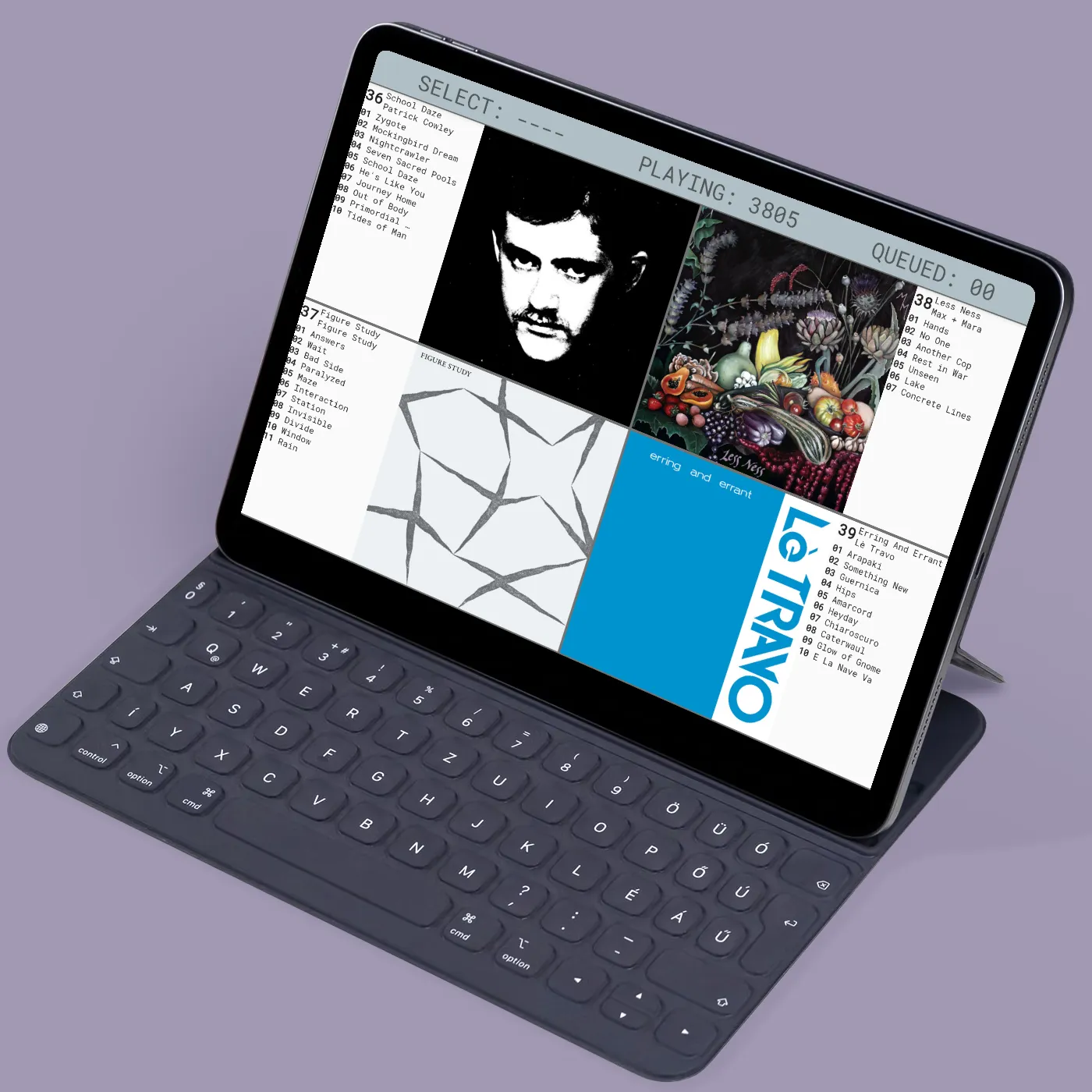
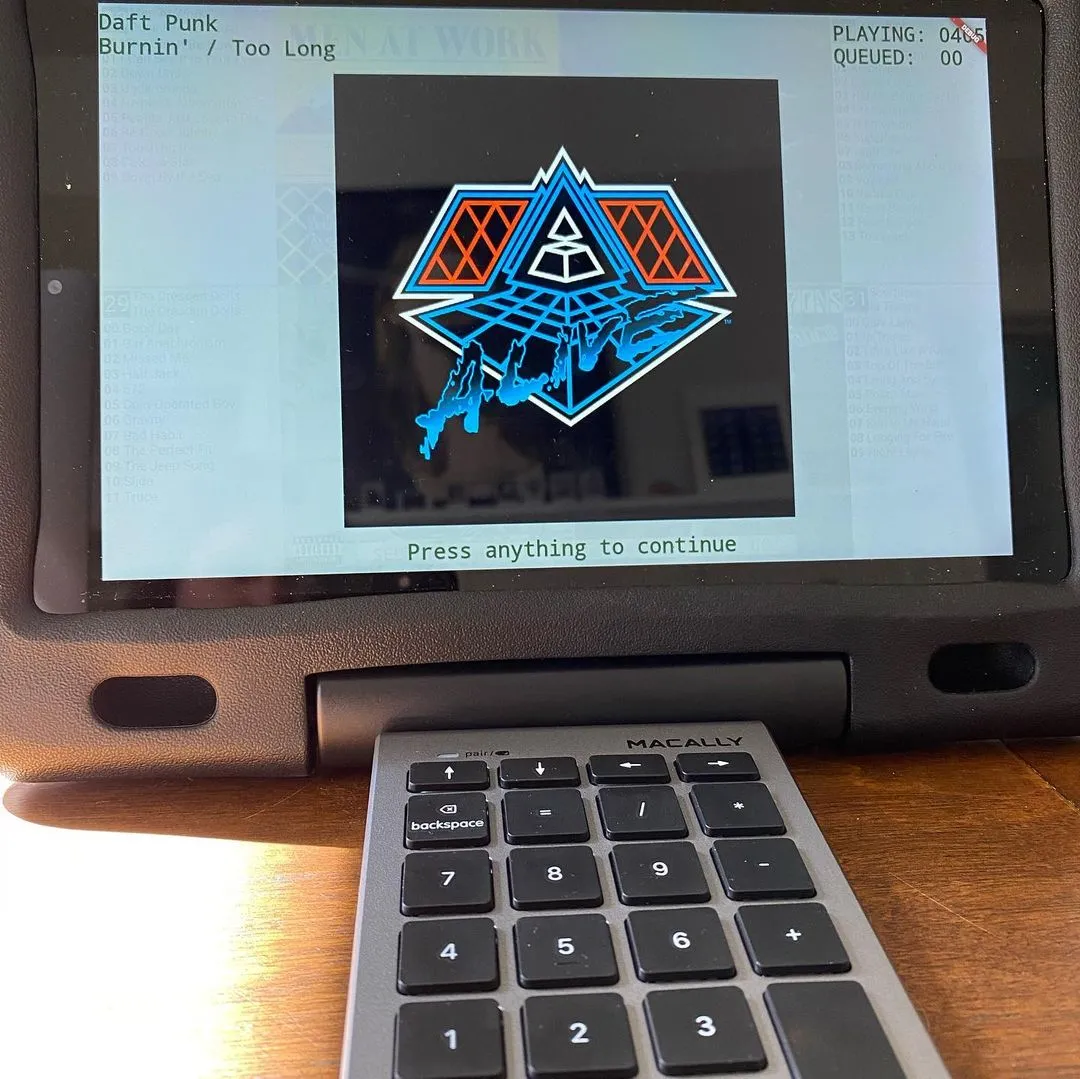
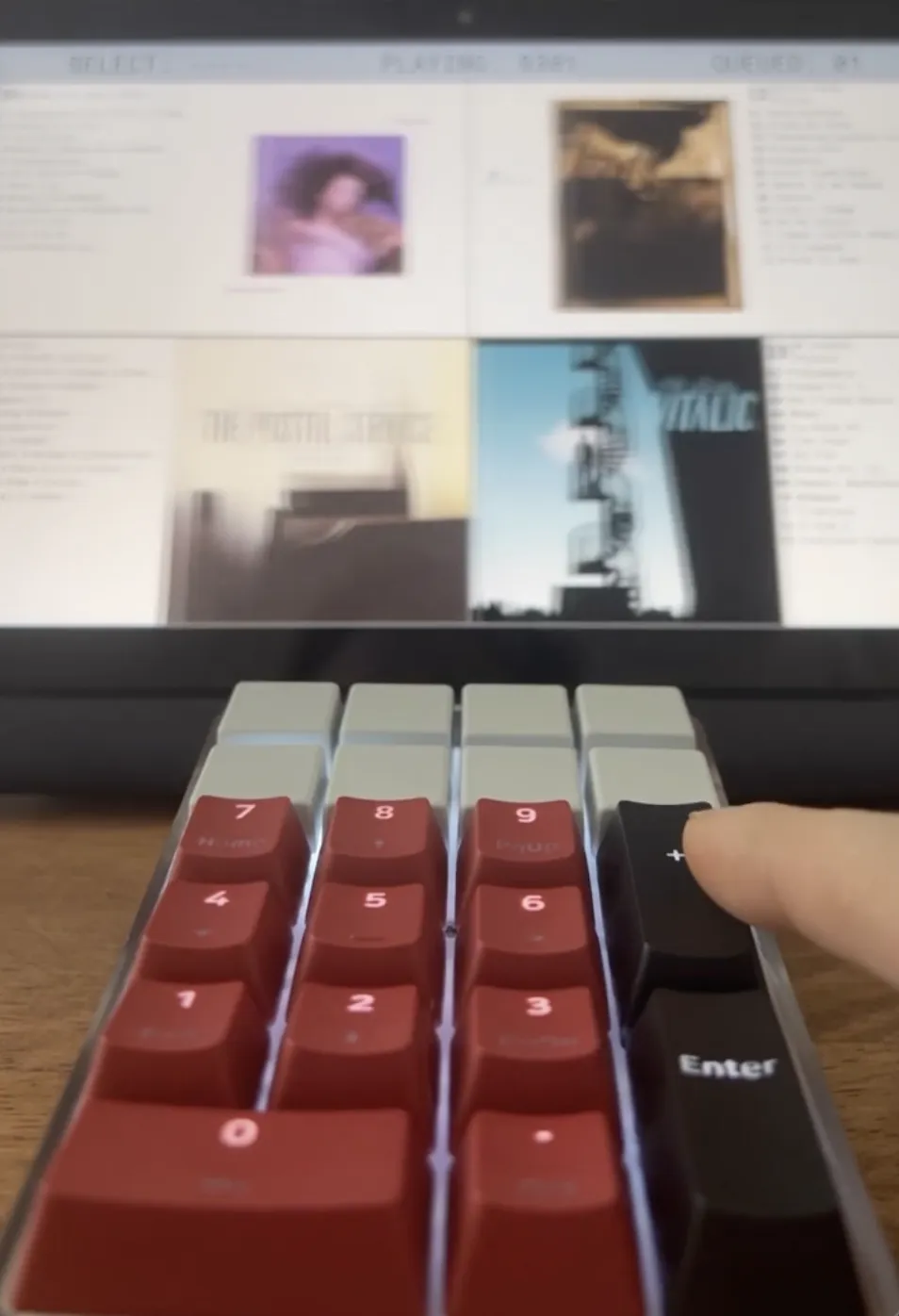
Everything you need for the perfect party playlist
Simple, powerful tools to curate and share music with your guests.
Curated Collection
Transform your favorite Spotify playlists into a carefully selected collection of 100 albums, ensuring quality throughout the evening.
Social Control
Friends browse and select tracks from your curated collection without competing over Bluetooth.
Continuous Playback
The combination of dedicated devices, friend contributions, and smart shuffle maintains uninterrupted music.
Any Device
Runs on any tablet, phone, or laptop. Set it up once and reuse it for all your parties.
Privacy First
No data collection about you or your music preferences. Your listening habits stay private.
Offline Mode
Works offline for private gatherings. No internet required once you've set up your jukebox. Requires subscription.
Built for music lovers
Free for casual use. Simple pricing for advanced users.
Choose the plan that fits your music taste. Cancel anytime.
Free
- Spotify Premium required
- Pre-built themes
- Pre-made playlists
- Up to 5 custom playlists
- Basic queue control
- Community support
Nerd
- Everything in Free
- Unlimited custom playlists
- Smart shuffle
- Remote control
- Email support
Connoisseur
- Everything in Nerd
- Playlist management tools
- Offline mode
- MP3 file support
- Theme builder
- Priority support
Frequently Asked Questions
Everything you need to know about JukeLab
What is a jukebox?
JukeLab is an old-school jukebox. A dedicated device, with a limited number of albums, that you walk up to to browse and select music. Think of a dive bar setup. If you're unfamiliar with the concept, ask your parents.
What makes JukeLab different?
Unlike other social listening apps that require everyone to use their own phones without any music curation, JukeLab emphasizes curation and interaction. We've thrown countless parties with it and it always works.
How do I try it?
Open it in your web browser right now. You'll get an immediate idea of how the interface works. After selecting a song and logging into Spotify Premium, playback functionality becomes available. Invite friends to test the selection feature.
How do I change the music?
JukeLab uses Spotify Premium. Create a Spotify playlist of 100 songs, and JukeLab turns that into a playlist of 100 albums. Check out our "JukeLab 101" Spotify playlist for an example.
Do I need special hardware?
JukeLab works on any tablet, phone or computer where Spotify works. However, the best experience is when you use it on a dedicated tablet with a number pad or similar physical keyboard for that authentic jukebox feel.
Is this allowed?
JukeLab is for personal use only. When using the Spotify integration, all of their terms of usage and playback apply. Additional integrations with the Internet Archive and local music files may expand playback options.
Ready to Upgrade Your Party?
Join thousands of hosts who've said goodbye to Bluetooth battles.